
Ashley Cameron Design

Ashley Cameron Design

Shop the Creative Design Market

Good afternoon
Adobe Photoshop Fix Blurry Email Signature

Fix Blurry or Pixelated Email Signature Images Easily in Photoshop

Adobe PhotoshopTutorials

About a 1 minute read

"Not until we are lost do we begin to understand ourselves."

Henry David Thoreau

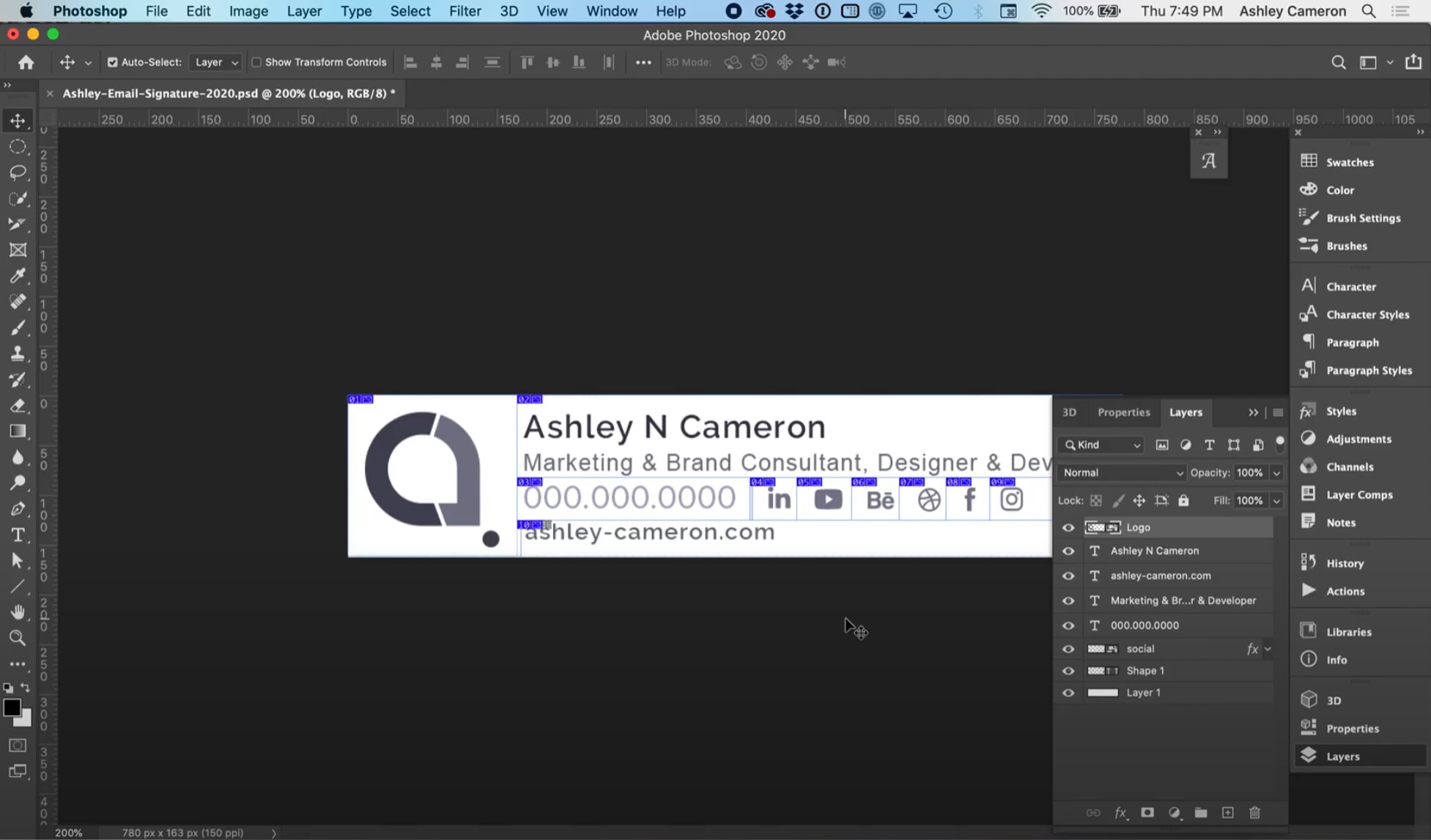
In this video, I will show you how to fix blurry email signature images. Screen resolution (72 dpi) images often appear blurry on modern devices with retina or higher density displays. This video has some quick tips on how to optimize your images and keep them looking sharp and crisp on all devices.

Make sure your final signature is 400px or less to be most compatible across all devices. When designing your signature, start with a higher resolution than your final signature size.
This website stores cookies on your computer. These cookies are used to provide a more personalized experience and to track your whereabouts around our website in compliance with the European General Data Protection Regulation. If you decide to to opt-out of any future tracking, a cookie will be setup in your browser to remember this choice for one year.

Accept or Deny