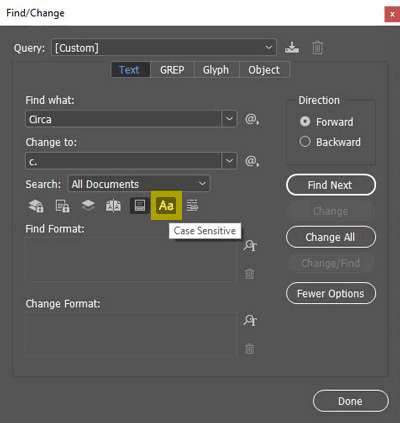
Make sure ‘Case Sensitive’ button is selected in the Find/Change dialog box to change uppercase to lowercase.


Published: Apr 19, 2018
About a 1 minute read
"Styles come and go. Good design is a language, not a style."
Make sure ‘Case Sensitive’ button is selected in the Find/Change dialog box to change uppercase to lowercase.