
Ashley Cameron Design

Ashley Cameron Design

Shop the Creative Design Market

Good morning
Adobe Photoshop Fix Blurry Email Signature

Fix Blurry or Pixelated Email Signature Images Easily in Photoshop

Adobe PhotoshopTutorials

About a 1 minute read

"The art of living… is neither careless drifting on the one hand nor fearful clinging to the past on the other. It consists in being sensitive to each moment, in regarding it as utterly new and unique, in having the mind open and wholly receptive."

Alan Watts

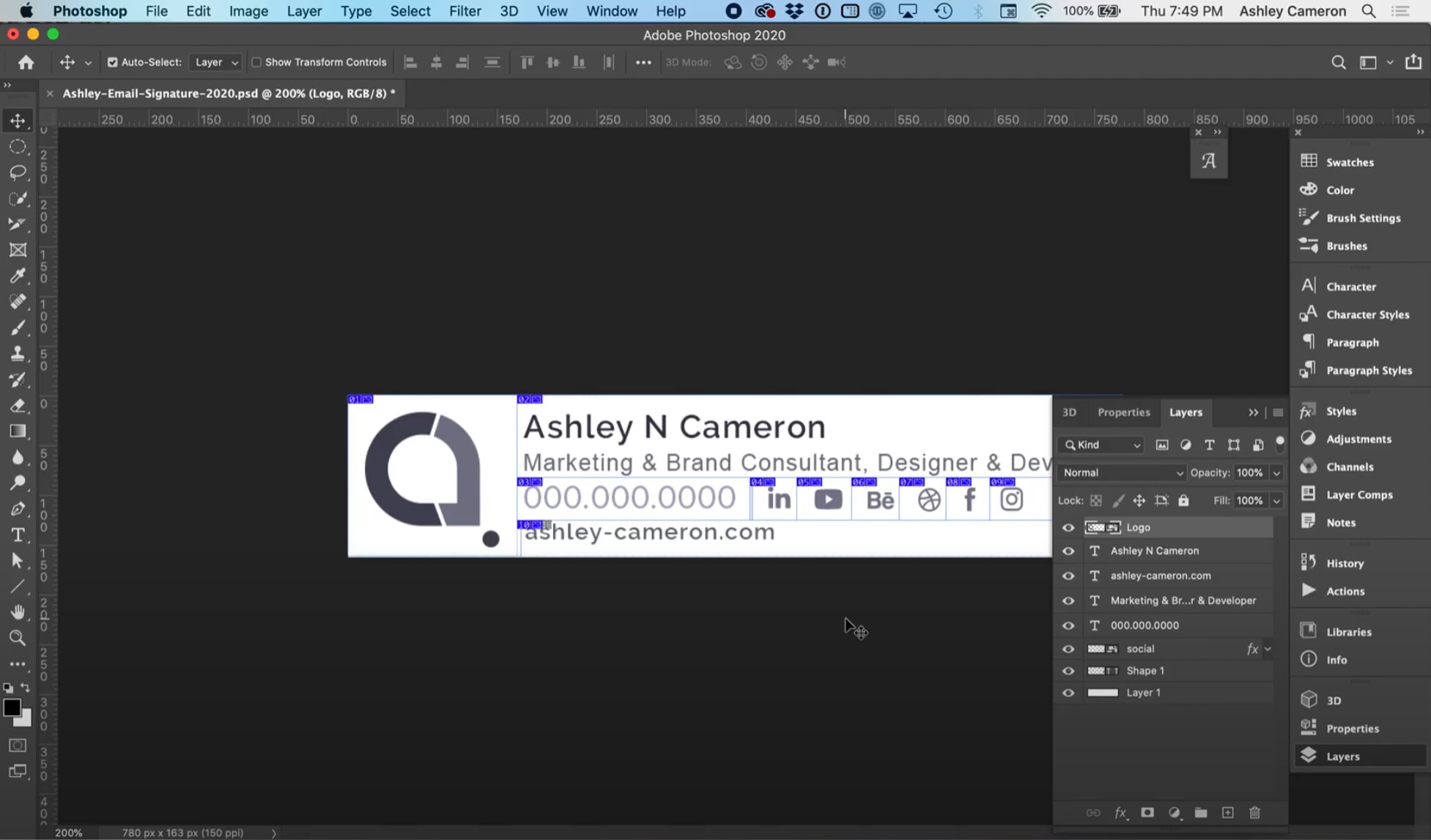
In this video, I will show you how to fix blurry email signature images. Screen resolution (72 dpi) images often appear blurry on modern devices with retina or higher density displays. This video has some quick tips on how to optimize your images and keep them looking sharp and crisp on all devices.

Make sure your final signature is 400px or less to be most compatible across all devices. When designing your signature, start with a higher resolution than your final signature size.