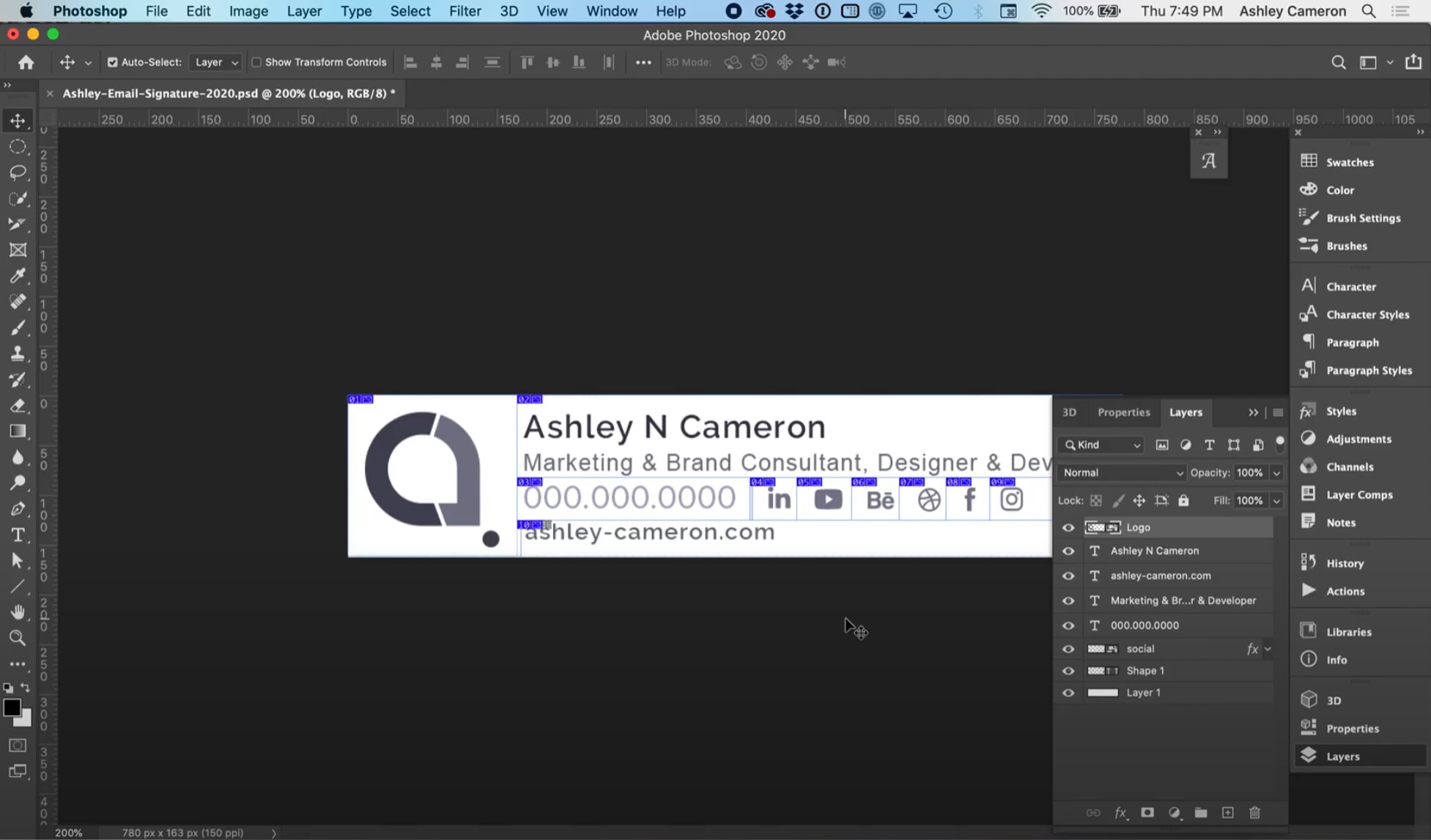

In this video, I will show you how to fix blurry email signature images. Screen resolution (72 dpi) images often appear blurry on modern devices with retina or higher density displays. This video has some quick tips on how to optimize your images and keep them looking sharp and crisp on all devices.
Make sure your final signature is 400px or less to be most compatible across all devices. When designing your signature, start with a higher resolution than your final signature size.